
 Cart is empty
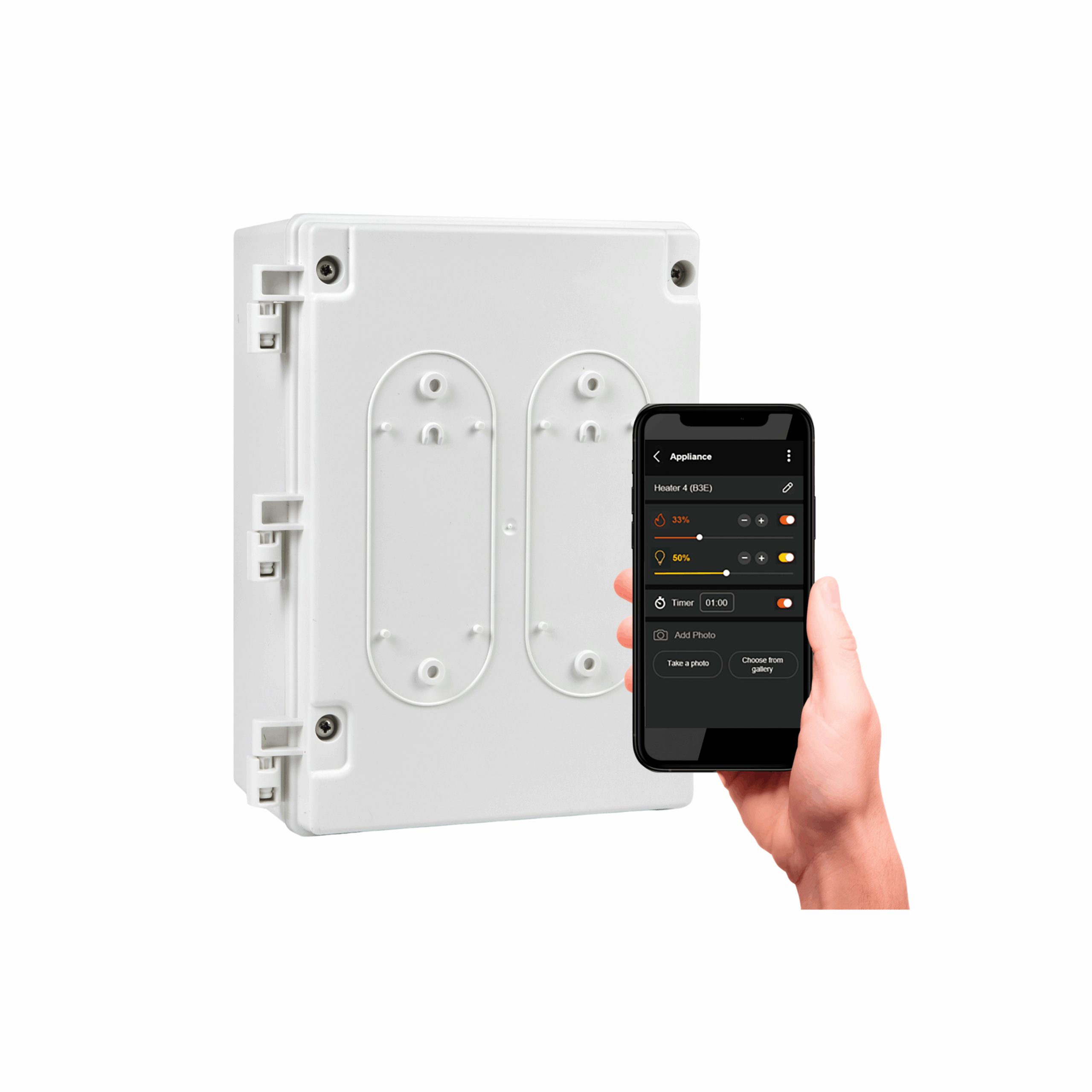
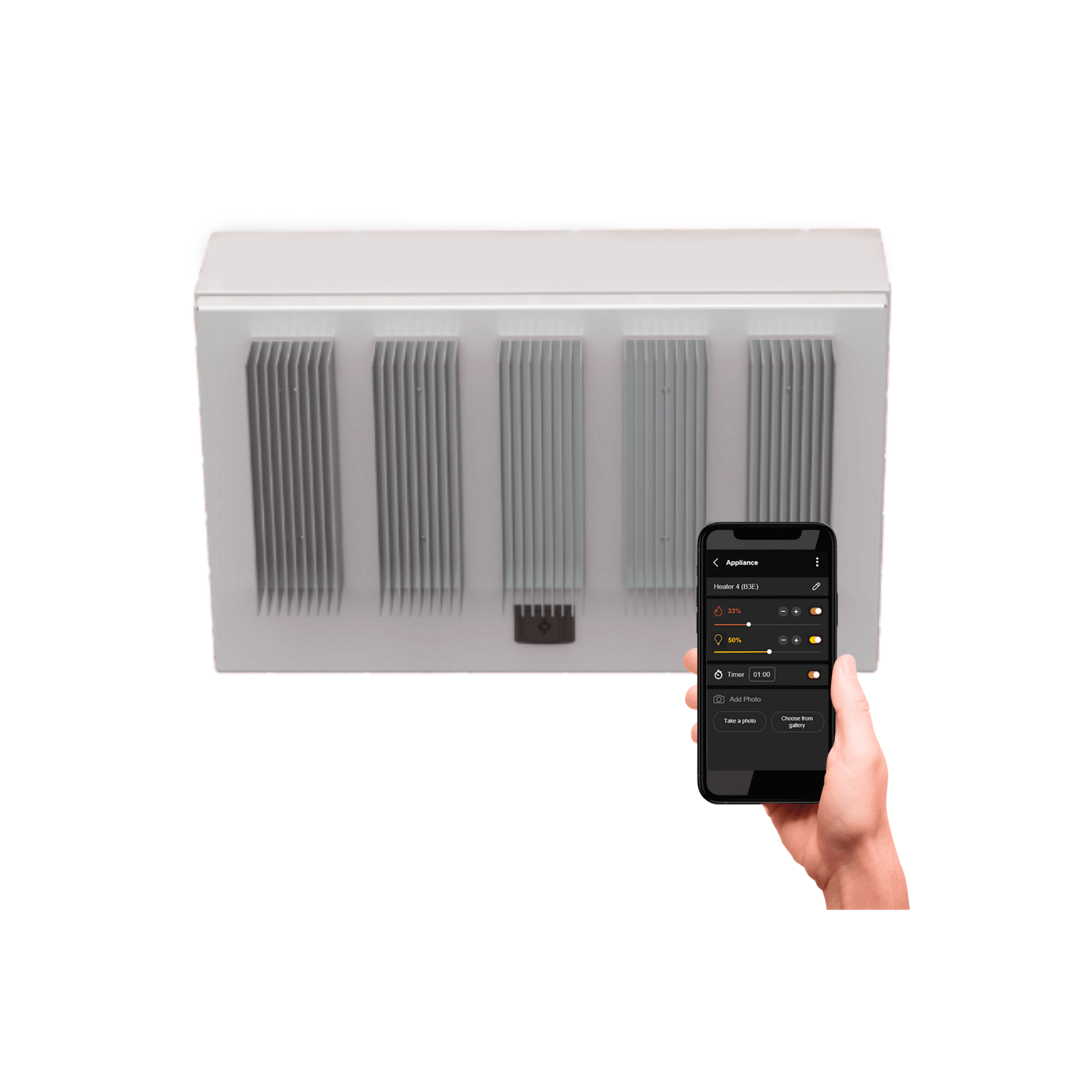

Created for our Eclipse Collection, the Affinity Eclipse Series offers 1 and 5 channel input options for our fixed Eclipse Pendant outdoor heater. Using the Bromic Heating app, have complete incremental control over not just the heat, but the LED light rail output as well, creating the perfect ambience – every time. Using the enabled Wi-Fi (compatible with 2.4GHz) or Bluetooth connectivity, control and customize your comfort via the Bromic Heating App.
Specifications
| MODEL | AFFINITY ECLIPSE | |
| PART NUMBER | BH8380051 | BH8380055 |
| NO. OF CHANNELS | 1 CH | 5 CH |
| VOLTAGE-MAX CAPACITY PER CHANNEL | 220-240V – 4kW | 3N-220/380V – 6kW 3N-230/400V – 6kW 3N-240/415V – 6kW 3N-277/480V – 6kW 3- 120/208V – 6kW |
| OPERATING TEMPERATURE RANGE | -4°F to +86°F | -4°F to +86°F |
| NON-OPERATING TEMPERATURE RANGE | -22°F to +158°F | -22°F to +158°F |
| PROTECTION RATING | IP54 | IP54 |
| DIMENSIONS | 11.4 x 8.0 x 4.4″ | 19.7 x 13.4 x 10.0″ |
| WEIGHT | 3.5 lbs | 33.1 lbs |
| WIFI CONNECTIVITY | 2.4GHZ | 2.4GHZ |
| WARRANTY | 1 Year Parts | |
| APPROVAL CERTIFICATION | UL 60730-1, CAN/CSA E60730-1 | |
| HEATER COMPATIBILITY | Eclipse Electric | |
Downloads
Clearances
Installation
Downloads
FAQs
What products can be used with the Affinity Eclipse control series?
The Affinity Eclipse is designed to control both heat and light functions of the Eclipse Pendant Heater.
How can I adjust the lighting of my Eclipse Electric heating appliance?
The Affinity Eclipse is designed to control both heat and light functions of the Eclipse Pendant Heater.
Can I control more than one heating appliance with the Affinity Eclipse control series?
The Affinity Eclipse is designed to control a single Eclipse Pendant Heater.
The 5 Channel controllers require a key to open. Where do I buy one?
The key is supplied with the controller, packed inside the enclosure in a plastic bag. The key type is bi-locker and is available from all general electrical supply stores.
I would like to switch outdoor heaters off after a time period?
This function is available in different settings. Firstly, when you turn on an outdoor heater, you can also set a timer off interval. You set this each time the outdoor heater is turned on and it will then countdown to the interval duration and automatically switch the appliance off. Set this function by clicking the appliance name to go to the detailed screen and setting the timer off internally at the bottom of the screen.
Alternatively, you can set the timer off delay using schedules. This feature is only available to Wi-Fi connected appliances.
Where do I find the serial number of the controller?
The serial number is represented as a 14-digit code (eg CONF2C23080005). The digits will be different for each type of controller. The serial number is printed on the product label attached to the controller. It can also be located via the menu on the Bromic Smart-Heat App, under Site configuration -> Edit Site.
All the controllers will be listed and within each controller setting you can identify the connected heating appliances.
Where do I get additional help?
For additional help with your new Affinity Controls, contact the Bromic Technical Support team.